Supported BMS
Most used BMS
This are the three most used BMS with this driver.
🥇 JKBMS (68% of all systems)
🥈 Jiabaida JBD BMS (13% of all systems)
🥉 Daly BMS (12% of all systems)
The Daly BMS is not recommended, if you have to buy a new BMS, since it has a bad communication implementation and sometimes it happens that the driver is not able to fetch data for a multiple cycles.
Currently supported
• ANT BMS
Disabled by default since driver version v1.0.0 as it causes other issues. More informations can be found in Add other use case (grid meter) or ignore devices - ANT BMS check missing and if it was fixed. See How to enable a disabled BMS to enable the BMS.
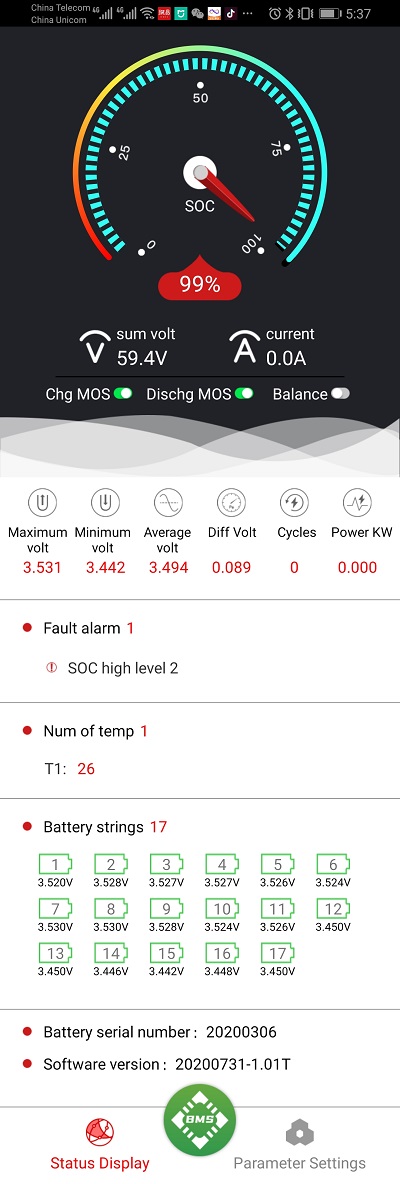
• Daly BMS 🥉 Third most used BMS
• Daren BMS
DR-JC03, DR48100JC-03-V2, using the DR-1363 protocol. Tested with multiple packs on one RS485 USB-adapter.
More informations about the BMS and its protocol can be found here.
• ECS GreenMeter with LiPro
• EG4 LiFePOWER
Works also for:
|- Revov
|- Tian Power
• EG4 LL
• Heltec Modbus SmartBMS / YanYang BMS
Communication to the Heltec SmartBMS (which is a rebranded YYBMS) via Modbus/RS485.
• HLPdata BMS4S
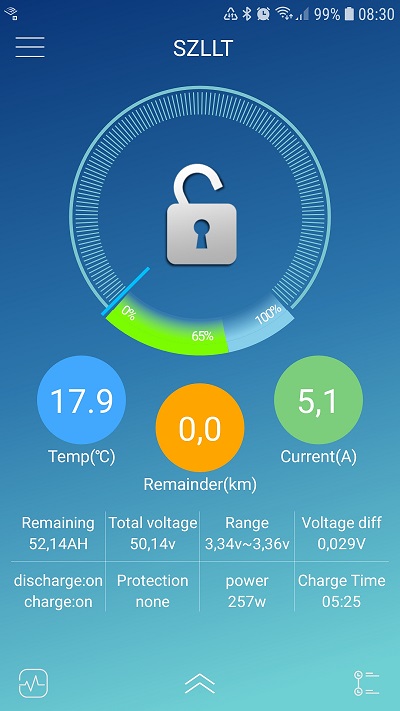
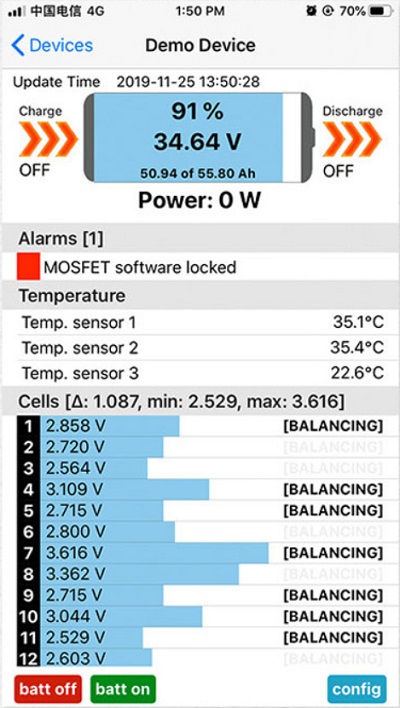
• Jiabaida JBD BMS 🥈 Second most used BMS
Works also for:
|- LLT Power
|- Overkill Solar
|- Smart BMS
|- Other BMS that use the Xiaoxiang phone app
• JKBMS 🥇 Most used BMS
Works also for:
|- Heltec BMS
• JKBMS PB Model (also know as JK Inverter BMS)
• MNB spi BMS
Disabled by default as it requires additional manual steps to install.
• Renogy BMS
• Seplos
So far only tested on version 16E.
• Seplos v3
Works for the Seplos v3 BMS which uses different (Modbus) protocol than the earlier Seplos models.
• Sinowealth
Disabled by default since driver version v0.14.0 as it causes other issues. See How to enable a disabled BMS to enable the BMS.
| Android | iOS |
|---|---|
 |  |
Planned support
You can view the current BMS requests to see which BMS support is requested and vote for the BMS you want to be supported.
Add/Request new BMS
There are two possibilities to add a new BMS.
Add by opening a pull request
Fork the repository and use the battery_template.py as template to add a new battery. As soon as the BMS works you can open a pull request (PR) to merge it.
Here is a short checklist that should help you:
- 🚨 Make sure the GitHub Actions run fine in your repository. In order to make the GitHub Actions run please select in your repository settings under
Actions->General->Actions permissionsthe optionAllow all actions and reusable workflows. Check also in your repository settings underActions->General->Workflow permissionsifRead and write permissionsare selected. After this changes you have to make a new commit, if you don't see any Actions run. This will check your code for Flake8 and Black Lint errors. Here you can find short instructions on how to set up Flake8 and Black Lint checks in VS Code. This will save you a lot of time. - Add your battery class and battery class import in alphabetical order in the
etc/dbus-serialbattery/dbus-serialbattery.py - Add your BMS to the BMS feature comparison page by editing
docs/general/features.md - Add your BMS to the Supported BMS page by editing
docs/general/supported-bms.md - Do not import wildcards
* - If available populate
self.max_battery_charge_currentandself.max_battery_discharge_currentwith values read from the BMS - If available populate
self.unique_identifierwith a unique value to distinguish the BMS in a multiple battery setup - If your BMS don't run with the default settings add installation notes to the How to install, update, disable, enable and uninstall
docs/general/install.md - If your BMS needs custom settings that the user should be able to change, add it below the
; --------- BMS specific settings ---------section in theetc/dbus-serialbattery/config.default.ini - Add the new BMS to the available BMS list under
; --------- Additional settings ---------in theconfig.default.ini - Add an entry to the CHANGELOG.md
- Add an entry in the issue template
bug_report.ymlunderid: bms_type - Add an entry in the issue template
support_request.ymlunderid: bms_type
Request by opening a discussion
Start a new discussion in the New BMS request category. Please add also the protocol documentation which you can request from the manufacturer/seller. The more upvotes the BMS request has, the higher is the priority.
If you would like to donate hardware or would like to help testing a specific BMS please get in contact over the discussions section.